Your workspace on your device
Course materials, drafts and task history live in your desktop workspace. Optional cloud features and connected tools have their own destinations.
 DaFellow

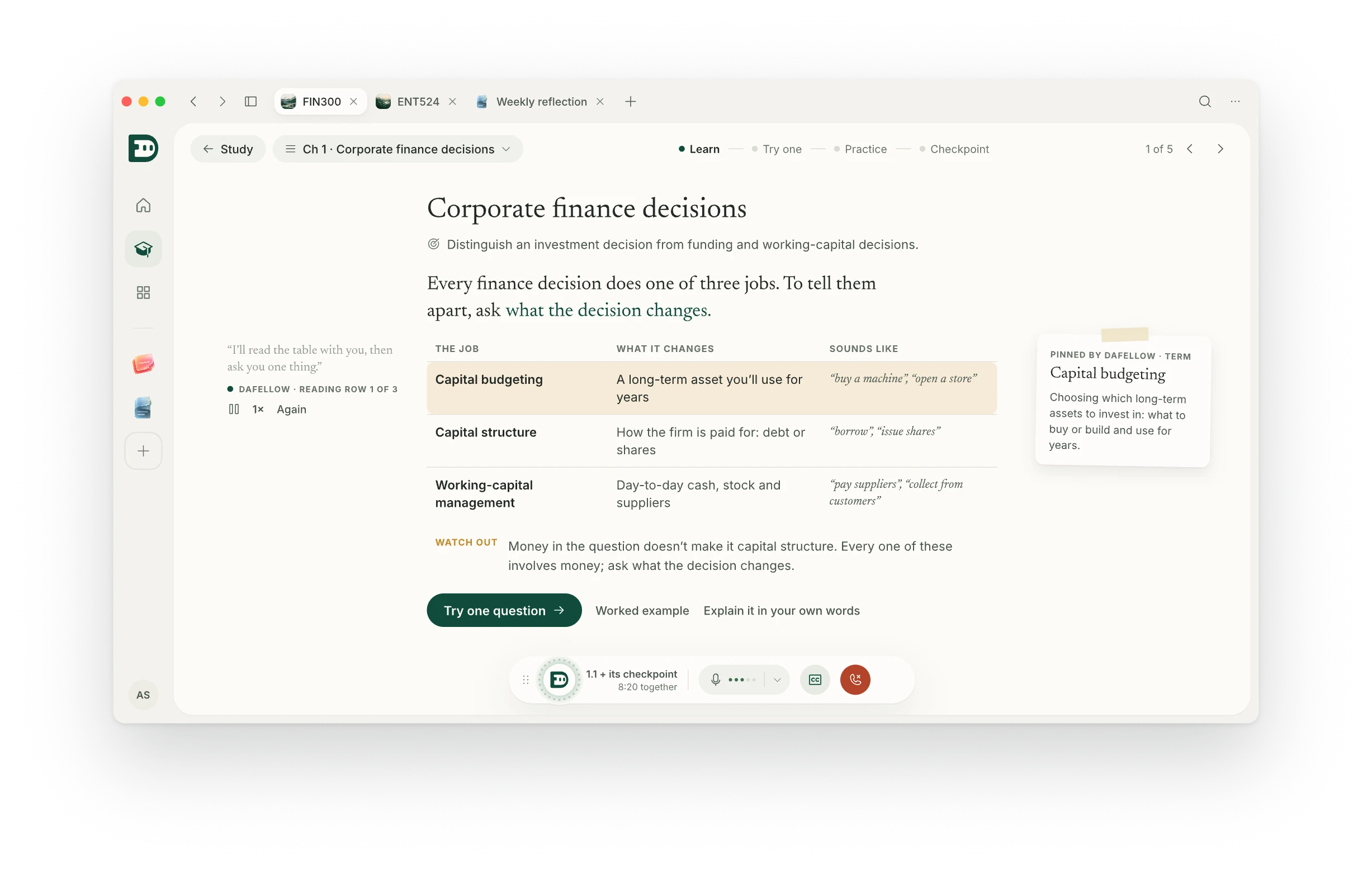
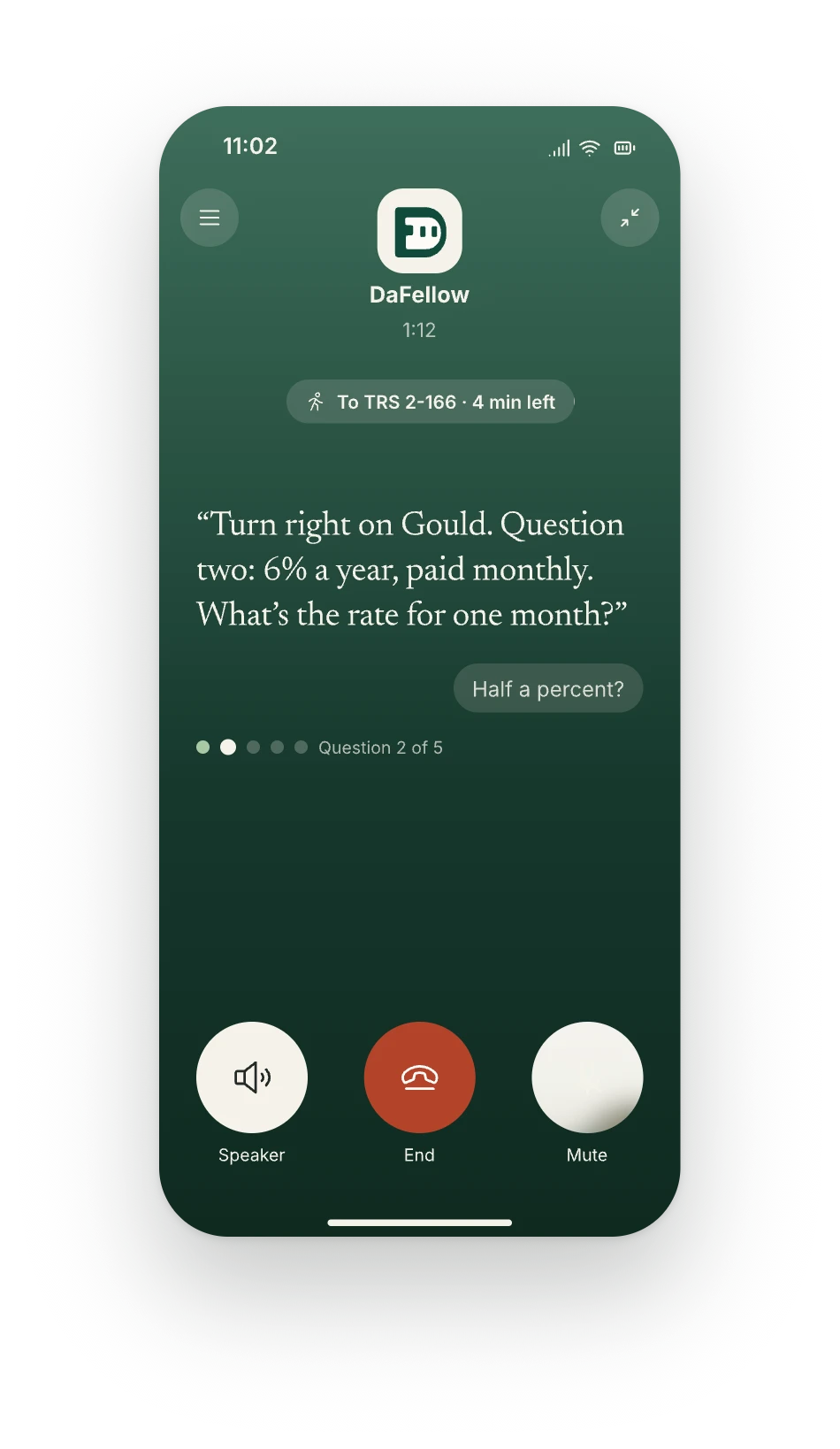
DaFellow brings every course, deadline and file from your school into one calm place, then sits with you while you study: reading along, waiting while you think, and keeping the answer until you’ve worked it out.
 Google Calendar
 Drive
 Gmail
 Docs
Every course
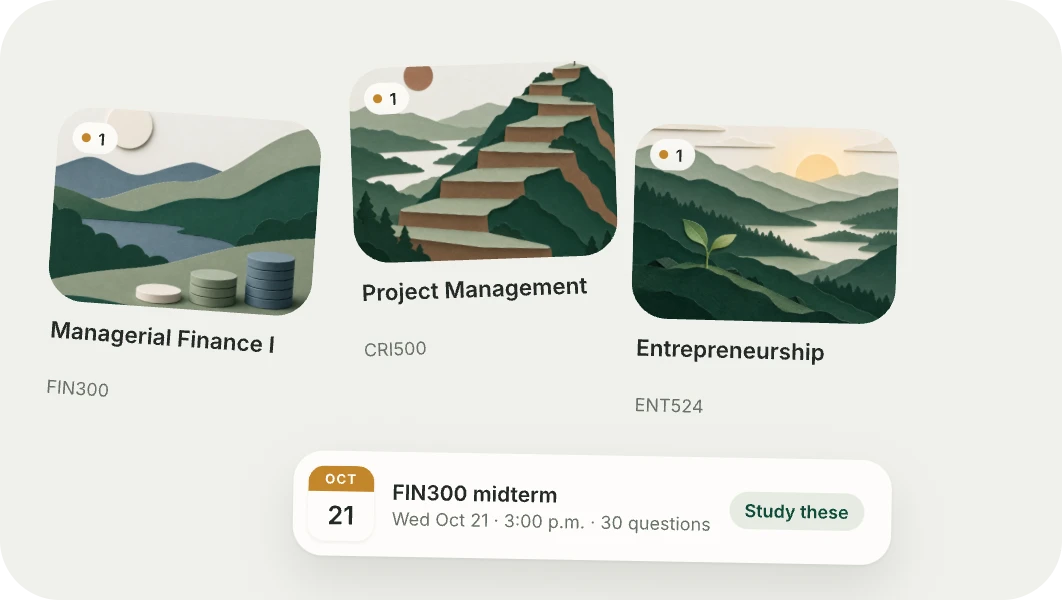
Connect your school once. DaFellow brings in each course’s outline, files and deadlines, and keeps them in step as they change. You choose which courses come in.
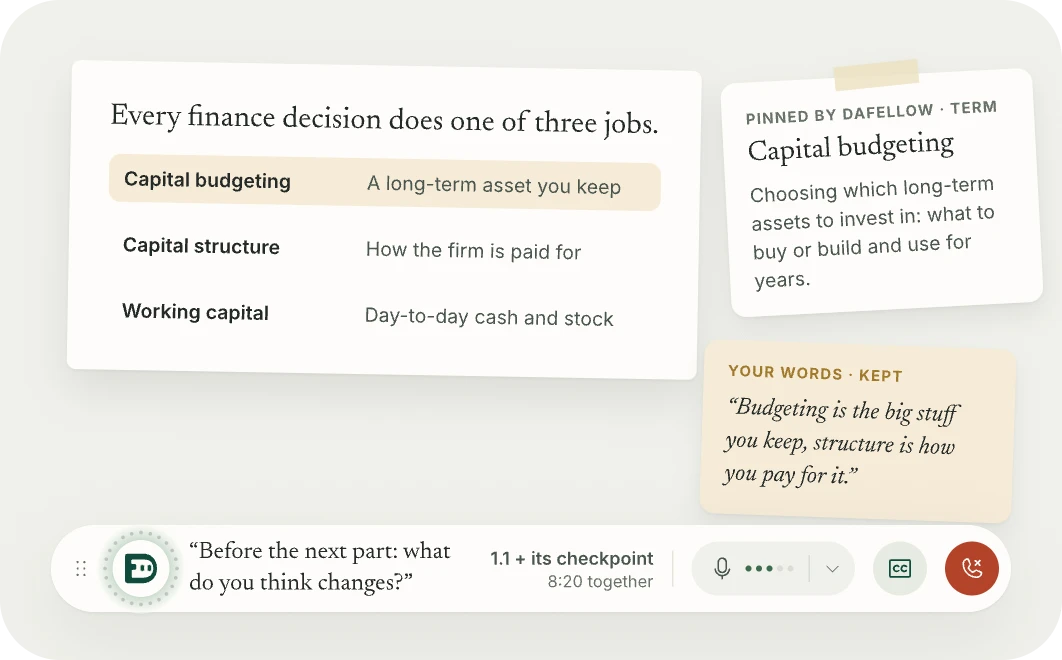
Study with the Fellow
Start a voice call while you study. The Fellow reads along, pins the term you tripped on, keeps the way you put it, and asks before it explains. It holds the answer until you’ve committed, and you can always see what it was told.
Apps
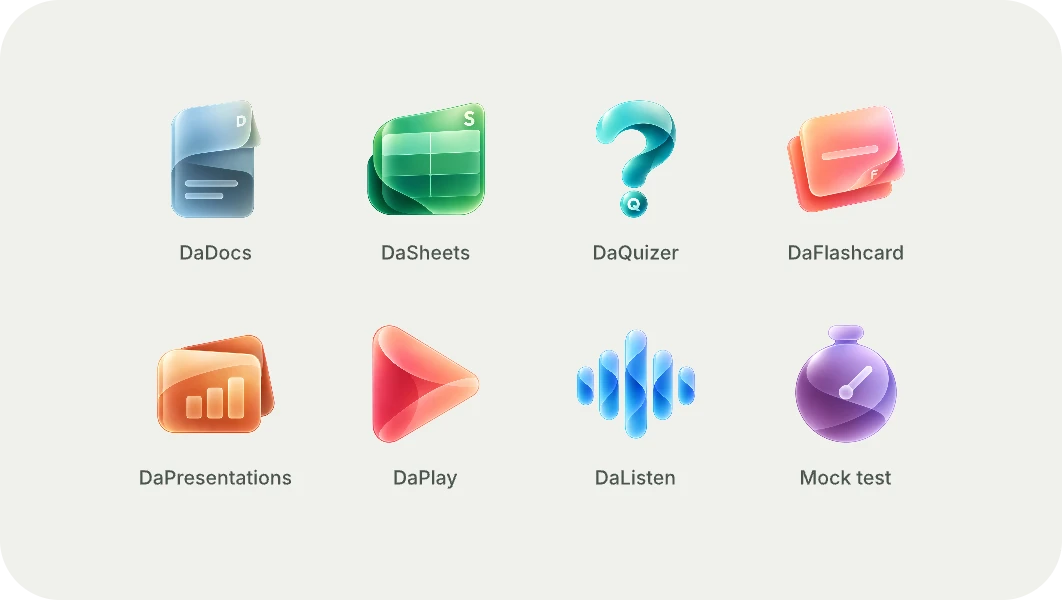
Flashcards, quizzes, mock tests, documents, sheets, explainer videos and listens, all working from the same course. Install only the ones you want; they open in a tab next to your course.
DaFellow is in private testing. Pick your devices and leave your school email; we’ll let you know when it’s ready for you.
Privacy and terms
DaFellow is built around your courses, drafts and conversations. Here is what control means in practice, then the documents that explain the details.
Course materials, drafts and task history live in your desktop workspace. Optional cloud features and connected tools have their own destinations.
A remote model receives the context needed for your task. The provider you select and the tools you enable determine where that context goes.
Connected accounts belong to the signed-in user. Choose which tools a task can use and change or revoke that access later.
Voice features may send audio and transcripts to your chosen provider. Check the selected mode and its provider’s privacy terms.
Tools can prepare useful work, including email drafts. Consequential changes have an in-app review so you can check what will happen.
We don’t sell your personal information or use connected content for advertising. Google data isn’t used to train generalized AI models.
Questions about your data? Write to contact@dawlad.ai.
DaFellow is a workspace by Dawlad AI Inc. The previews show the product direction; public releases, platforms and supported connections are coming in stages. Availability depends on your release, school and account permissions.